
AutoHub Online Offers + Feature Guide
Overview
AutoHub Online Offers+ is a premium upgrade to the Online Offers solution. AutoHub Online Offers+ is designed for the purpose of customers selling their vehicle to the dealership directly, rather than trading it in for an upgrade. Online Offers+ is designed to be added to a pre-existing landing page or the home page of the dealerships website, not SRPs or VDPs.
Walkthrough
The customer navigates to the dealership website either organically or via a campaign run by the dealership.
The customer arrives on the dedicated landing page.
From there, the step-by-step process is executed as follows:
Enter the state your car is registered in and the license plate number OR the vehicle's VIN.
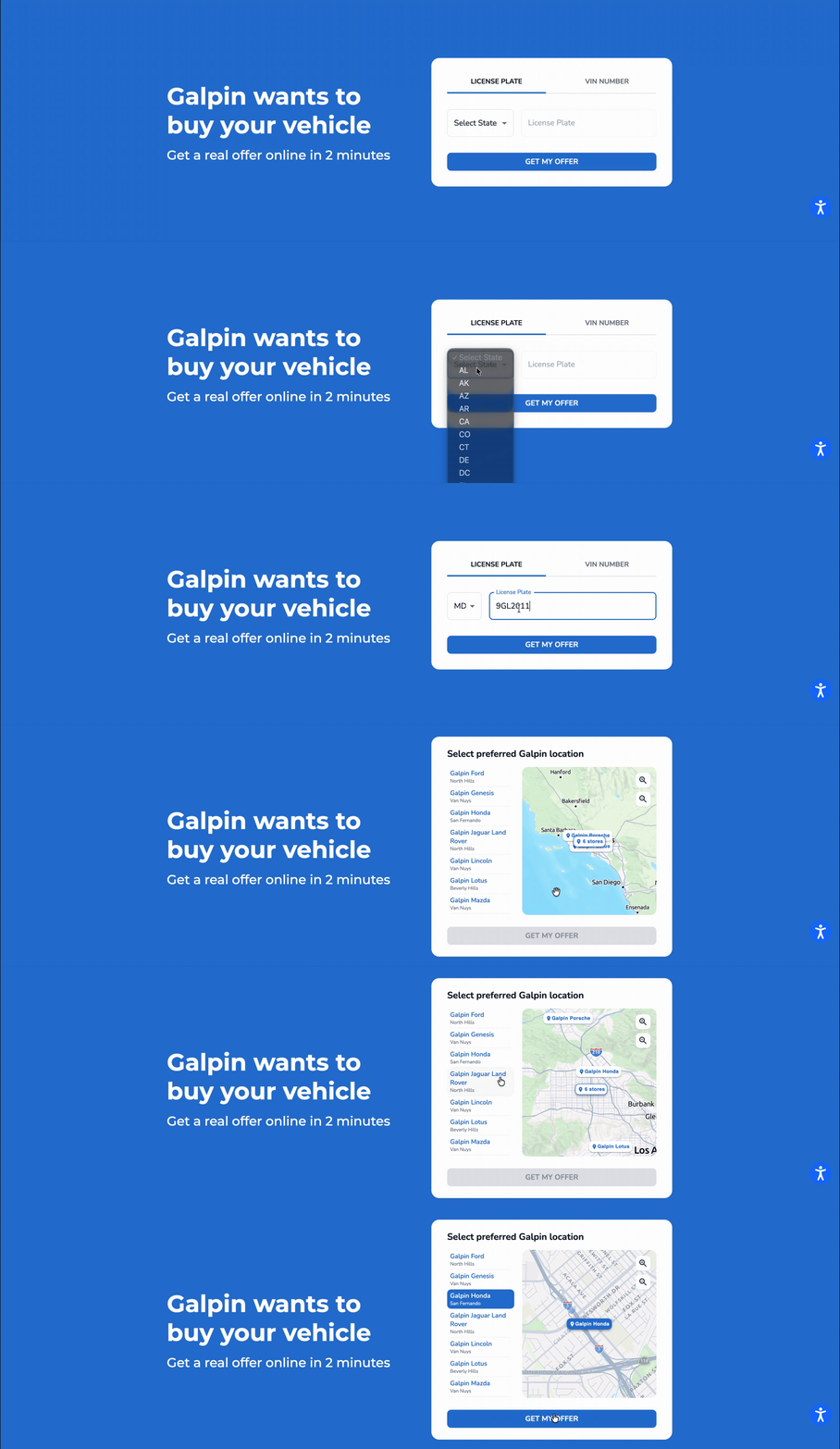
Select the preferred dealership location from the interactive map. If there is a dealership location that matches your vehicle's brand, it will be used by default.
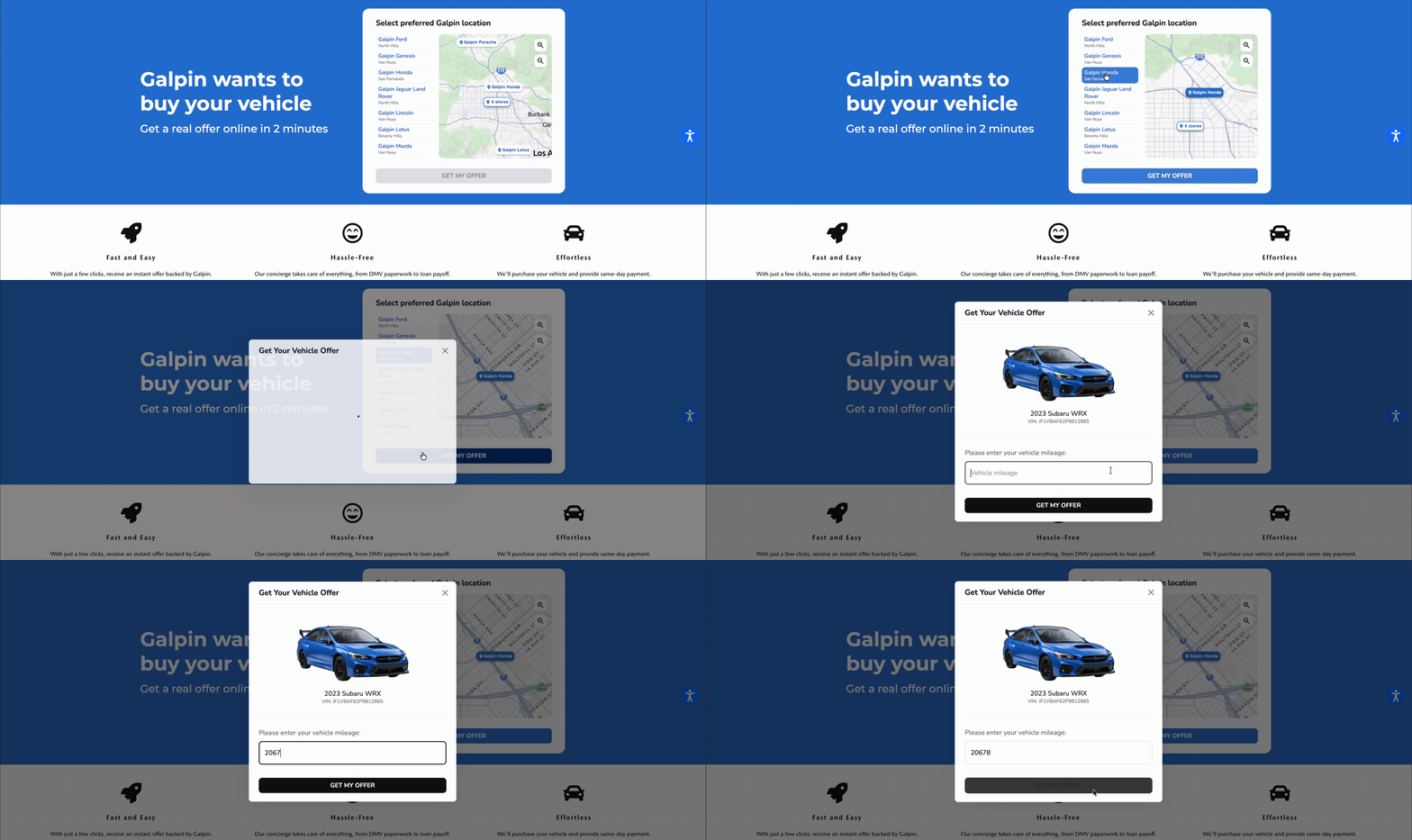
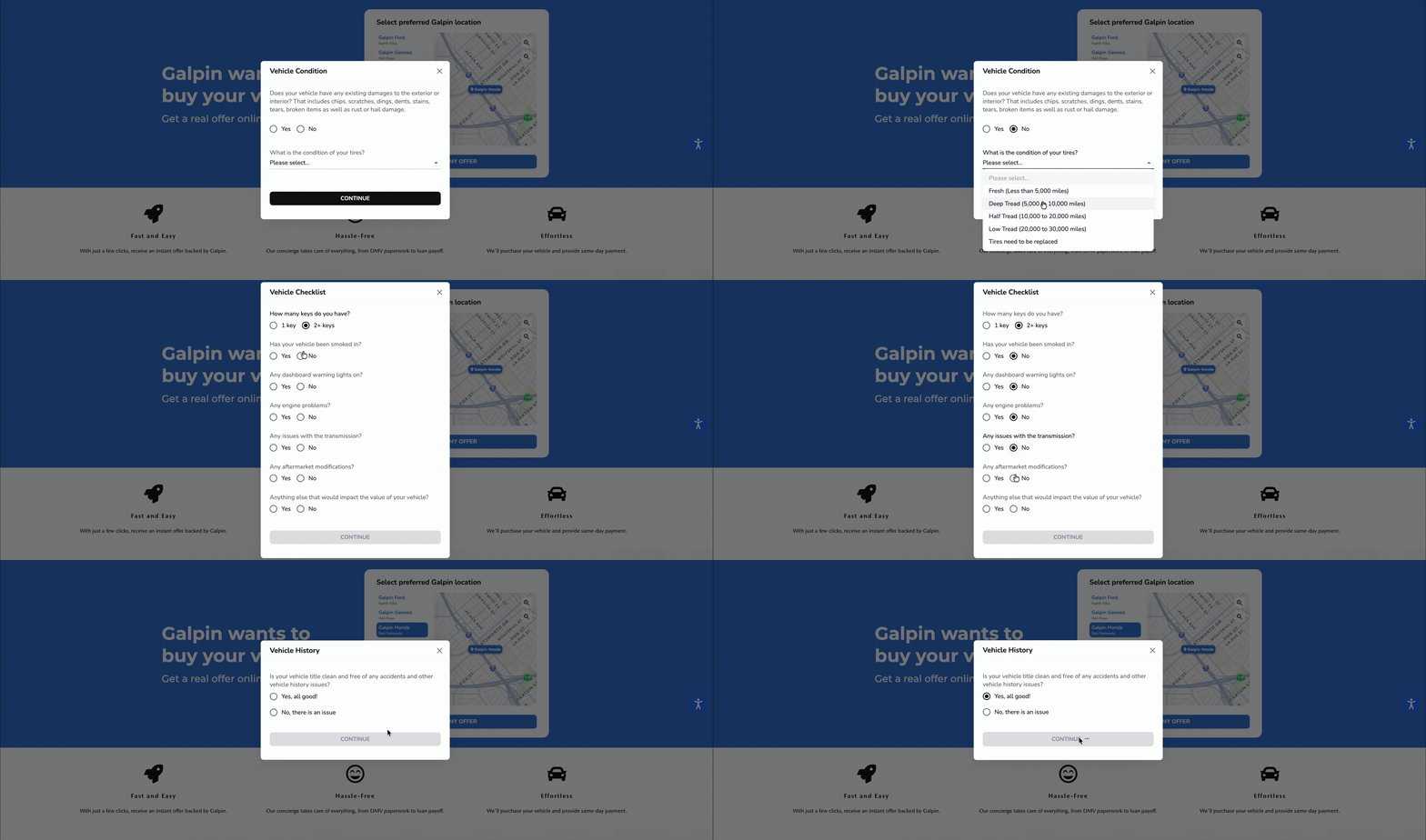
Report the condition of the vehicle and its tires.
If there are damages on the vehicle, you will report them here. Including chips, scratches, dings, dents, stains, tears, broken items as well as rust or hail damage.
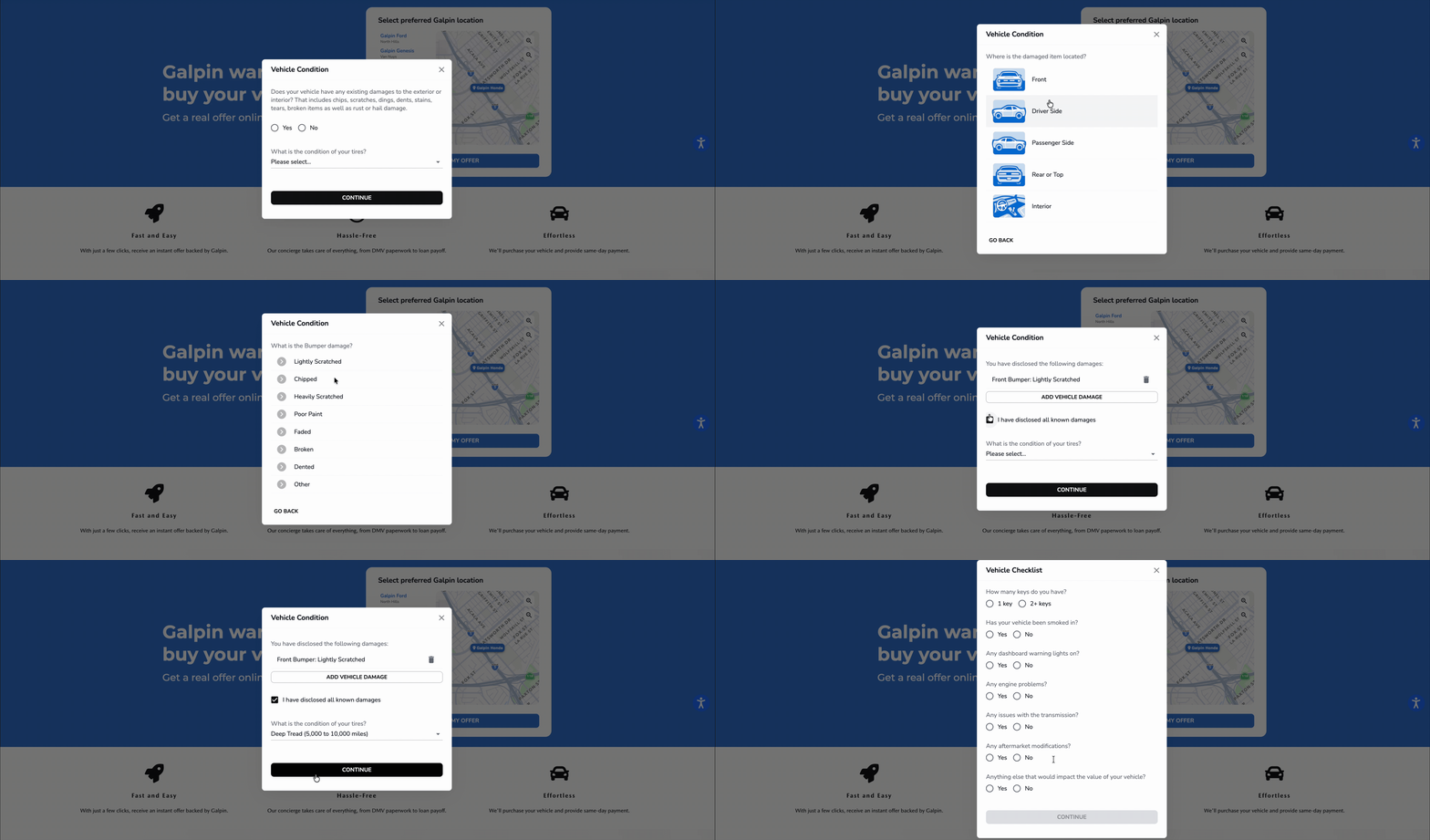
Complete the vehicle checklist. You will answer the the following questions:
How many keys do you have?
Has your vehicle been smoked in?
Any dashboard warning lights on?
If yes, you will select the warning lights from a checklist
Any engine problems?
If yes, you will select the problem from a checklist.
Any issues with the transmission?
If yes, you will select the problem from a checklist.
Any aftermarket modifications?
If there are aftermarket modifications you will select the aftermarket parts from a checklist.
Anything else that would impact the value of your vehicle?
If yes, you will describe this in a few words.
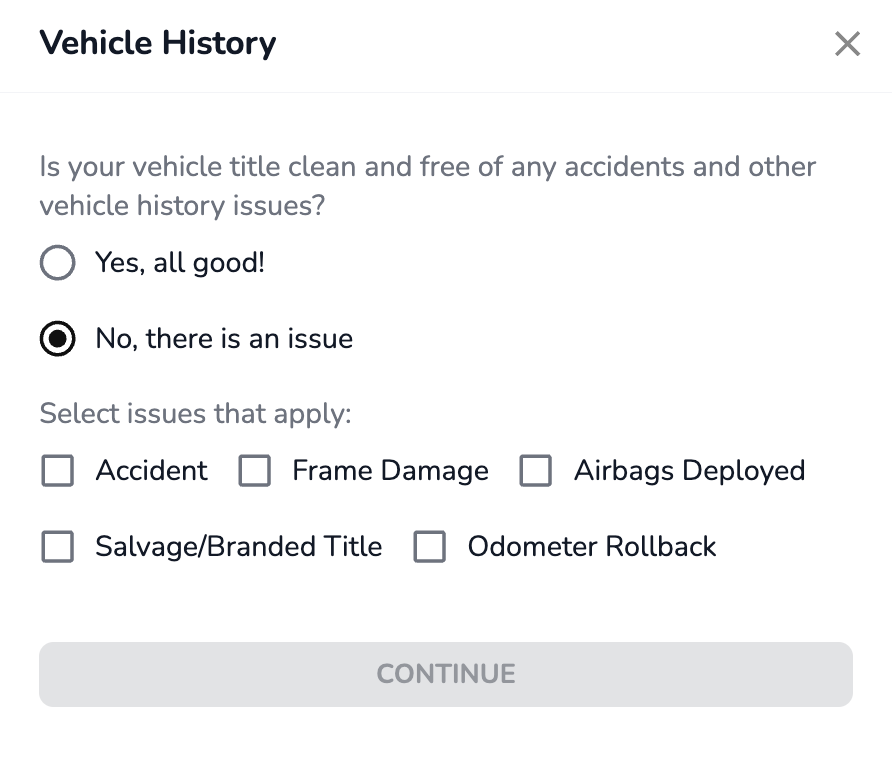
Declare the history of the vehicle. You are confirming the title is clean and free of any accidents and history issues. If there is an issue you will select the issue(s) that apply. Examples of issues are accidents, frame damage, deployed airbags, title issues, and odometer rollback.
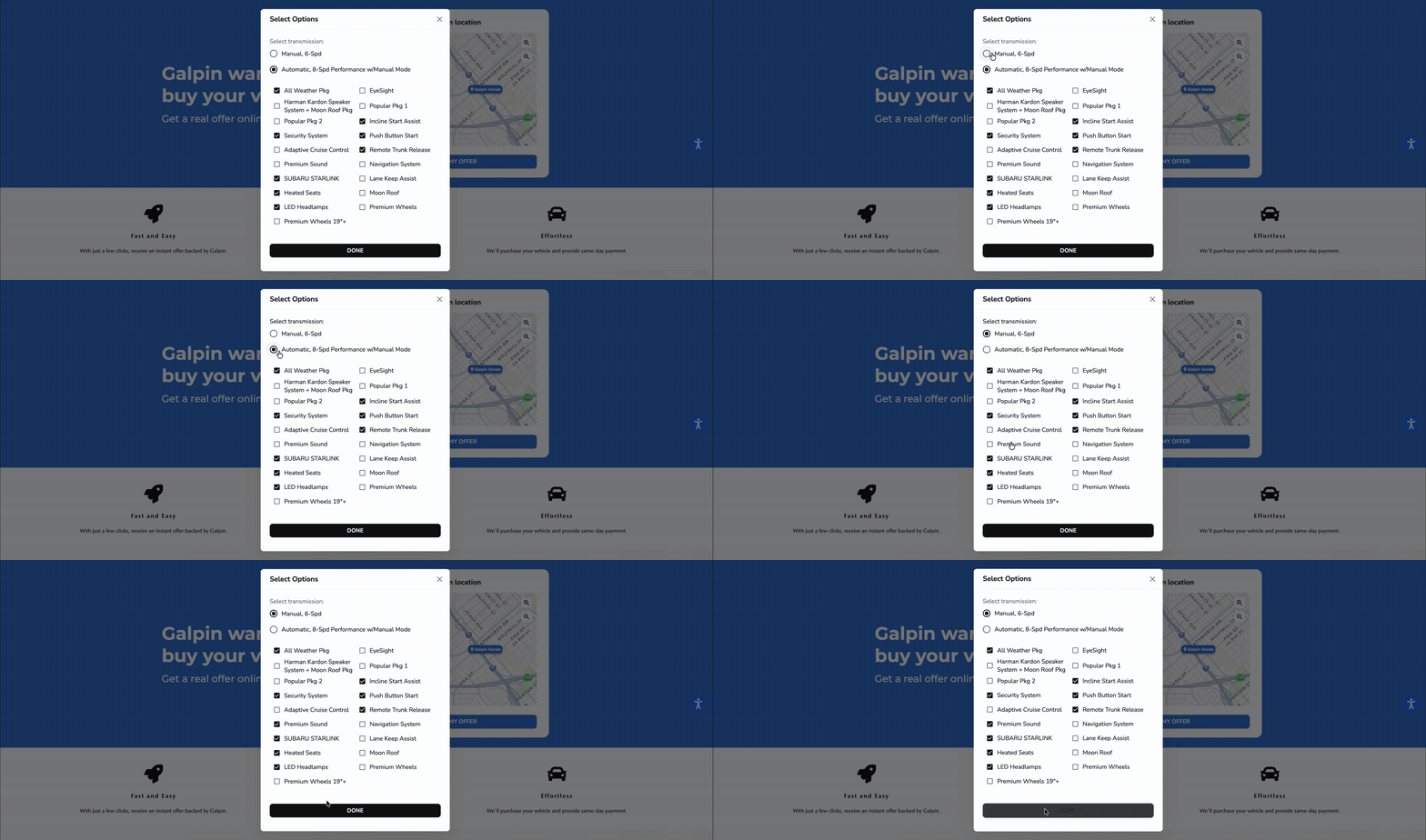
Select the vehicle options; including transmission, systems, and factory features.
Enter the first and last name of the offer recipient.
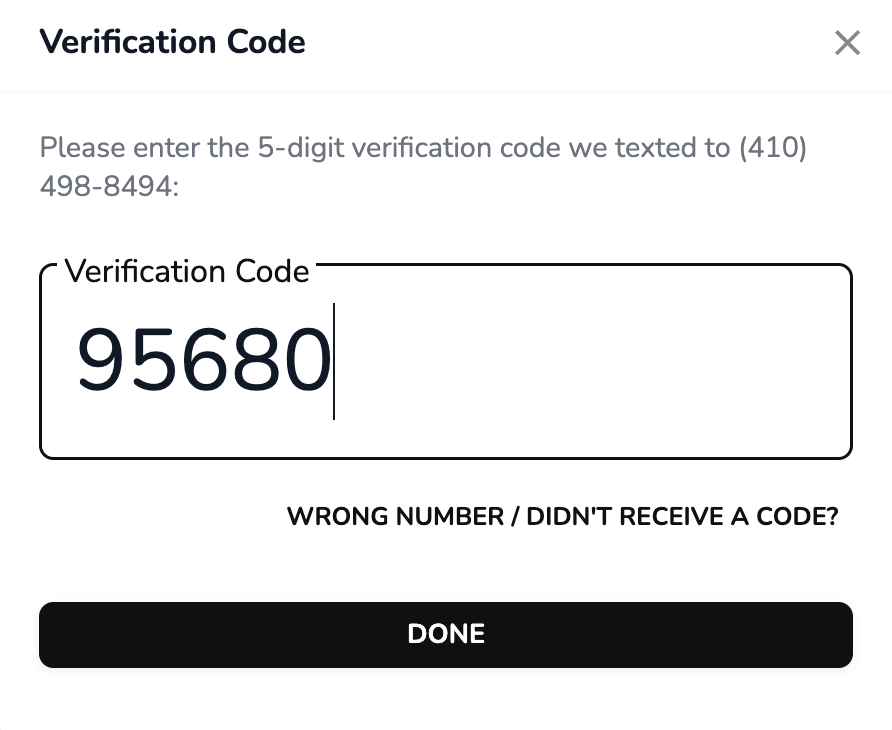
Enter the phone number for the offer recipient. This phone number will receive a verification code to confirm that the lead is valid. There is a prompt to enter the verification code.
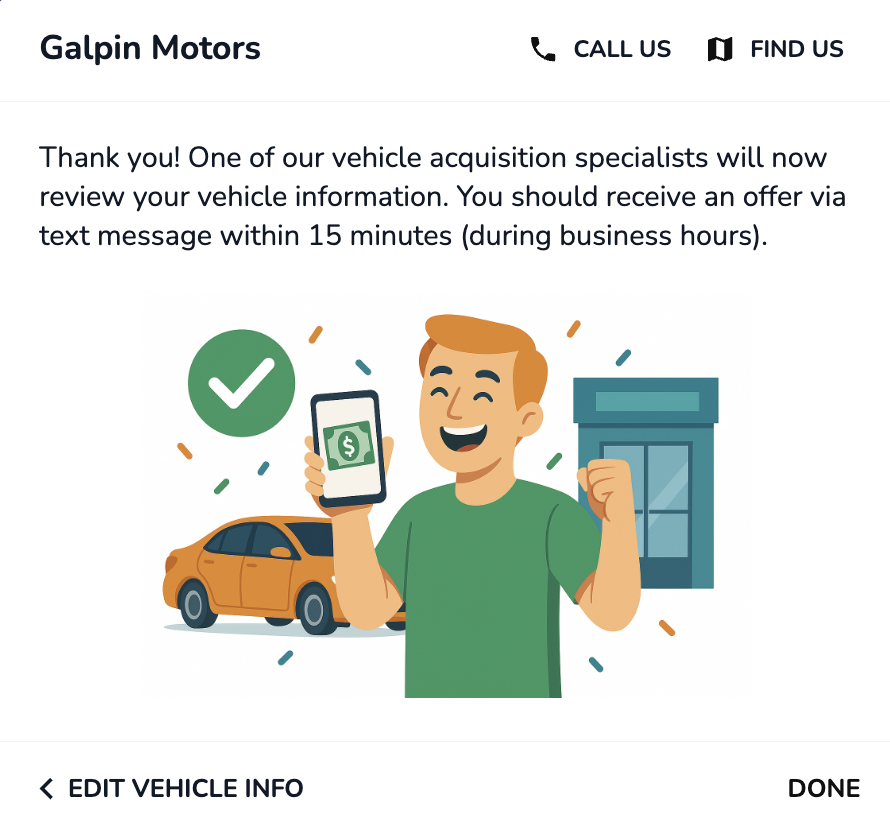
Submit the vehicle information. The dealership will now be sent a lead via the AutoHub Portal and the CRM to review the vehicle information and extend an official offer to the recipient, AutoHub does not send out automated offers to customers from Online Offer + Leads.
Online Offers+ Feature Glossary
Landing Page Panel | A page width panel inviting customers to provide their vehicle's VIN or plate number to start their virtual appraisal. The landing page panel is designed to match the website font and colors of the dealership website, and is intended for dealership website landing pages or buy centers. The text on the panel is customizable. |
Plate To VIN | Automatically translate a vehicle's license plate to its VIN to start the appraisal. |
Group Stores Map | Display a map showing all dealership locations that also have Online Offers+. Customers are invited to select their preferred location from the map view. |
Smart Store Selection | Online Offers+ will preselect the store that matches the brand of the vehicle within the group as long as the store has Online Offers+. |
Verification Code | Customers receive a five digit code for real time lead verification. |
CRM Push | The appraisal is sent to the dealership's CRM |