{New} Tekion DMS Integration
Tekion DMS Requires a special authorization for Integration – We need you to log into your Tekion Portal and complete the following steps to integrate you DMS with AutoHub.
To begin:
Request the connection to our AutoHub Application through Tekion’s Integration Hub.
Log into your Tekion Portal. Open the Integration Hub app by clicking on the App Grid menu > Apps tab > APC section > Integration Hub app tile.
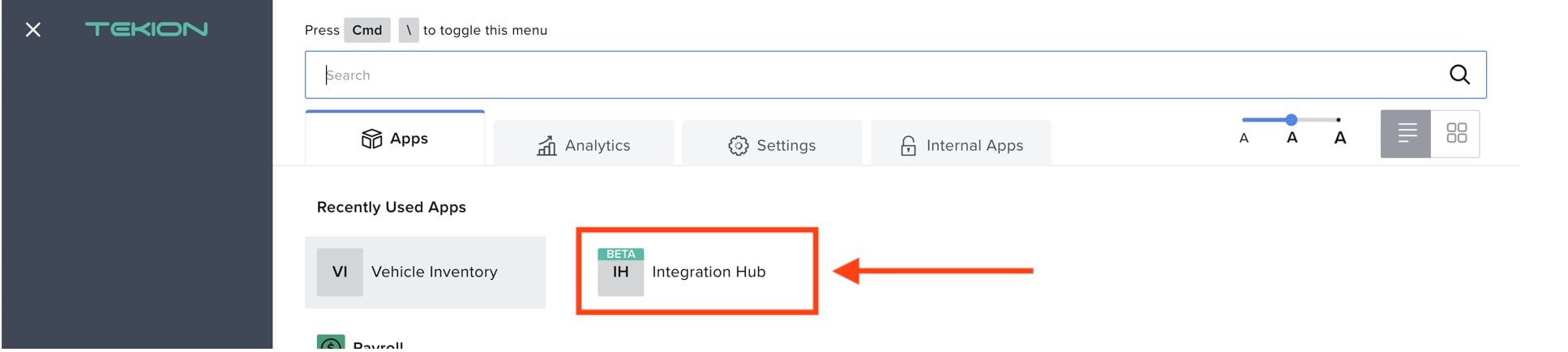
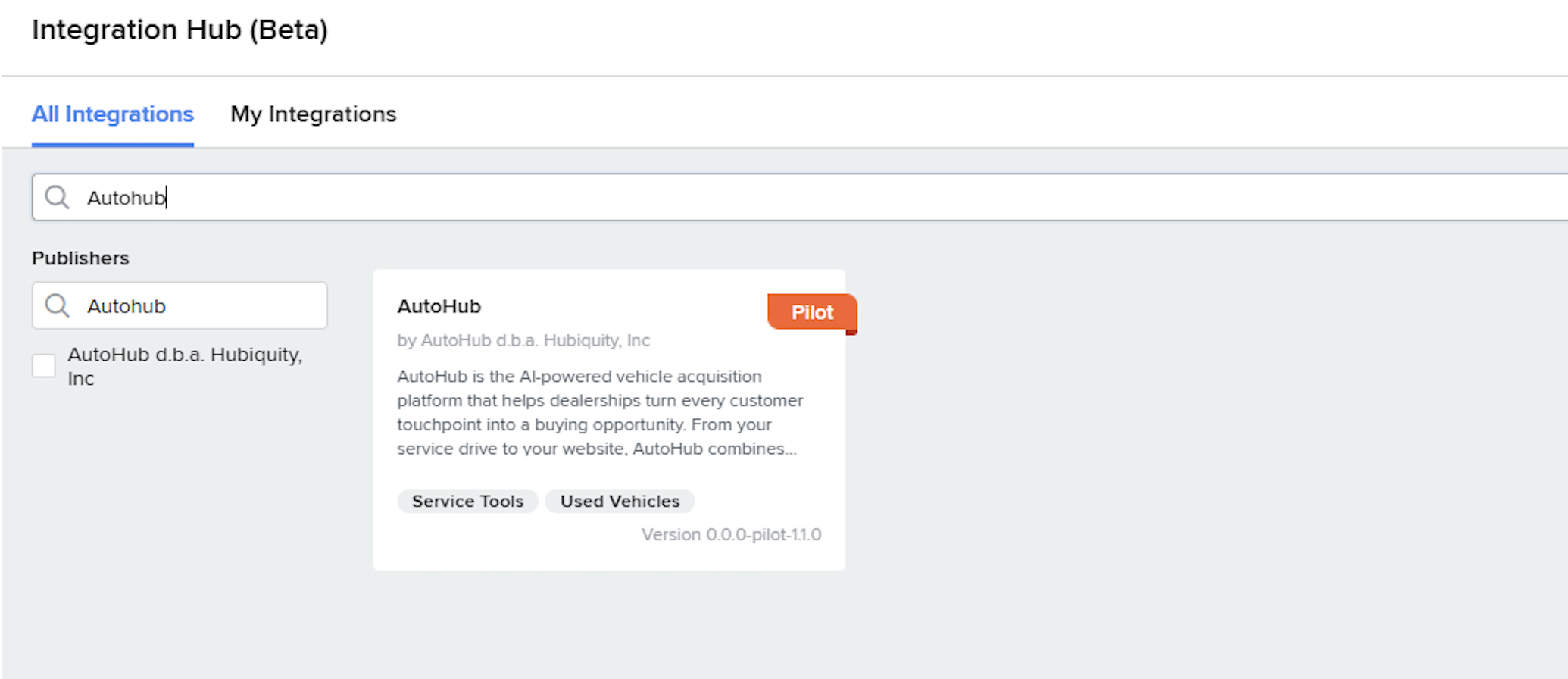
In the Integration Hub screen, you will see the following tabs:
All Integrations: Displays all the available integrations
My Integrations: Displays all the integrations your dealership has access to
From All Integrations, search for AutoHub
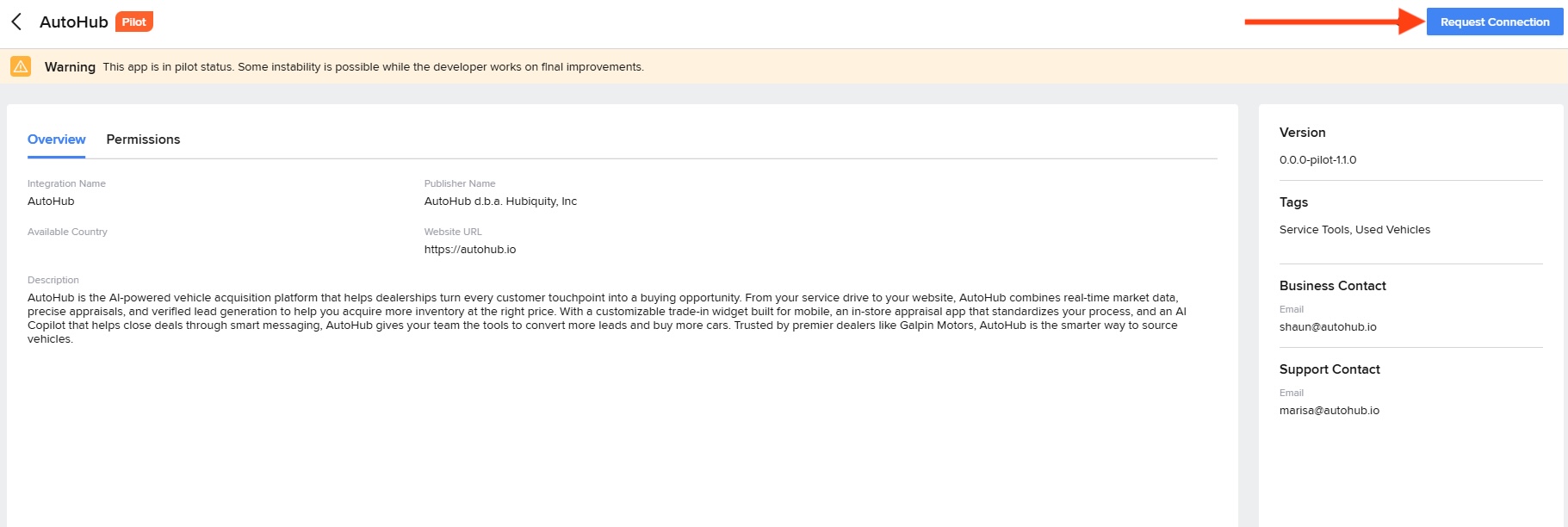
Click: Request Connection
Check "Allow Access" and then click "Next"
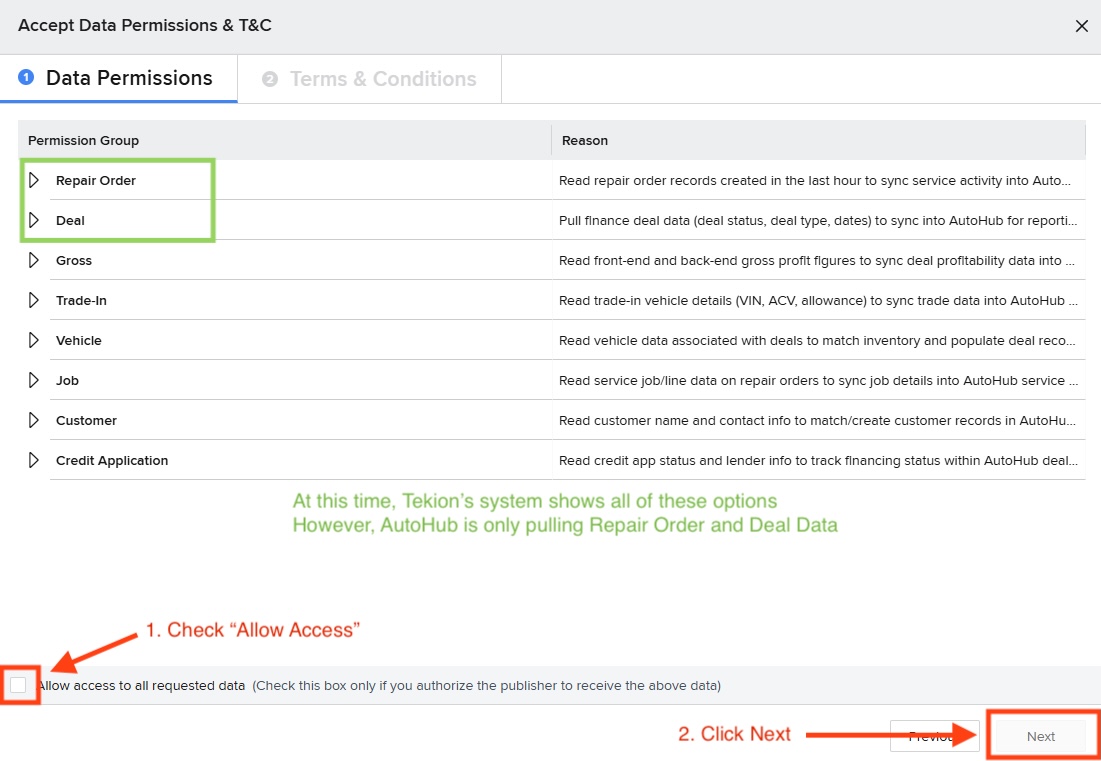
Click on the Accept & Connect button at the lower-right corner of the pop-up window to accept the data access permissions and the terms & conditions.
That's it! You have submitted the DMS integration with AutoHub
Our team has been notified and we will approve the integration on our side.
Questions? Email us at onboarding@autohub.io
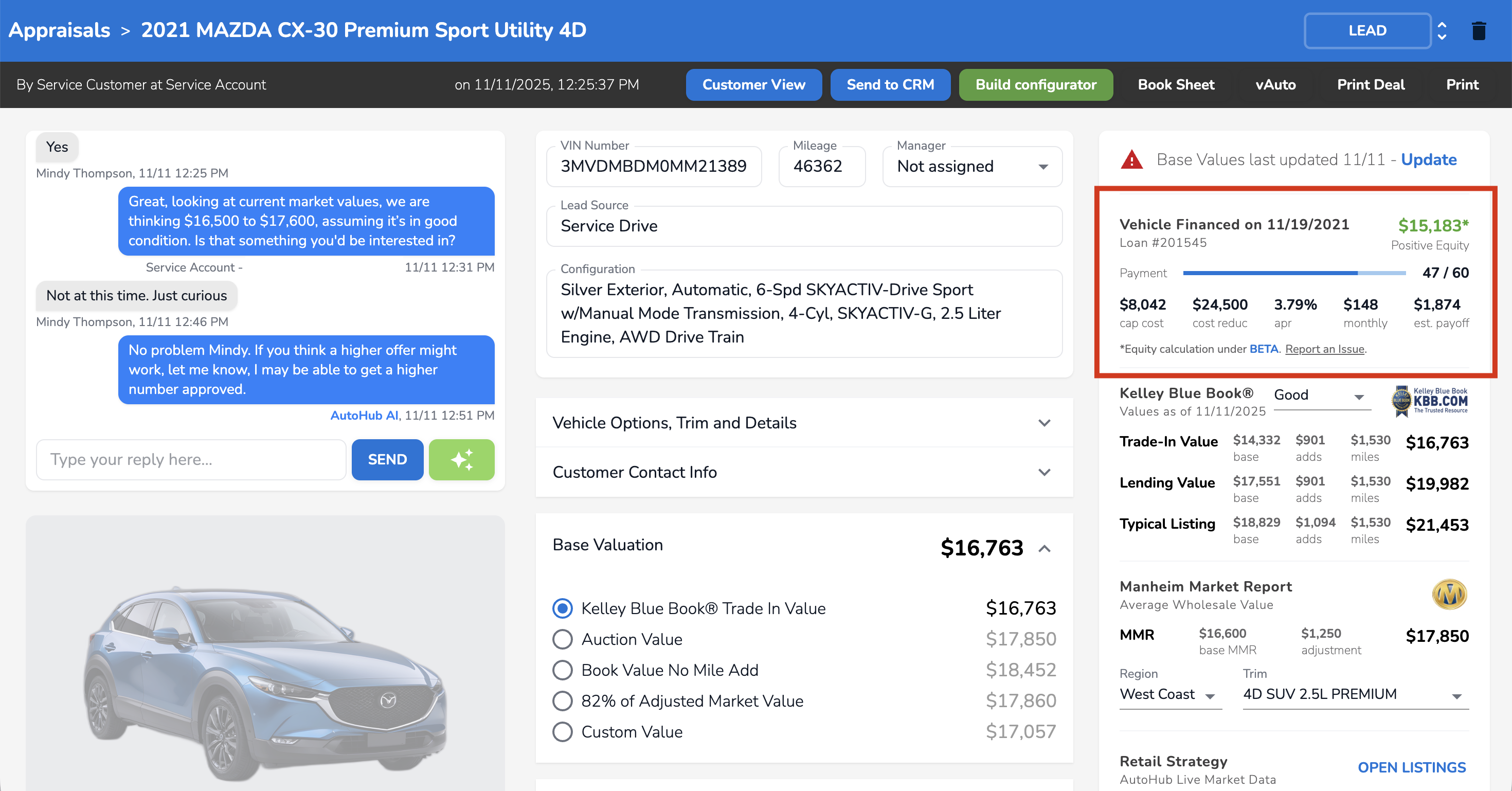
via Tekion, AutoHub will show you customer payoff information within the AutoHub Portal. This allows you to see payoff, apr and equity deal data!
Example Deal Data via the AutoHub Portal: